
How to change the Cart Title
Overview
Cart Title allows you to customize the heading displayed at the top of your cart drawer.
A clear and informative cart title helps customers quickly understand the contents of their cart and provides additional context during their shopping experience.
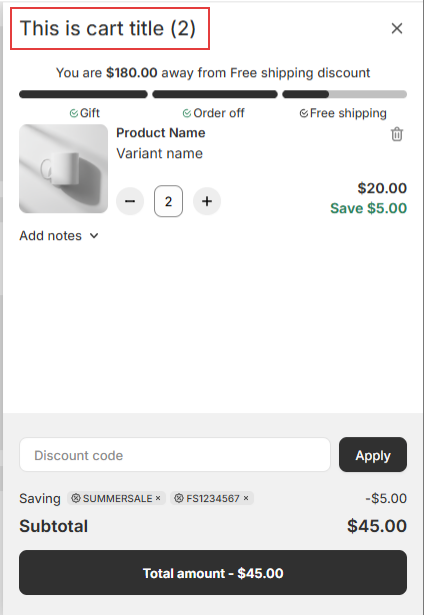
You can also use dynamic variables to automatically display information such as the number of items currently in the customer's cart.
Common examples include:
- Your Cart
- Shopping Cart
- Your Cart ({{cart_quantity}})
- Cart ({{cart_quantity}} Items)
Configure the Cart Title
Customize the Title
Enter the text you would like to display as the heading of your cart drawer.
The cart title is displayed at the top of the cart drawer and is visible throughout the customer's shopping journey.
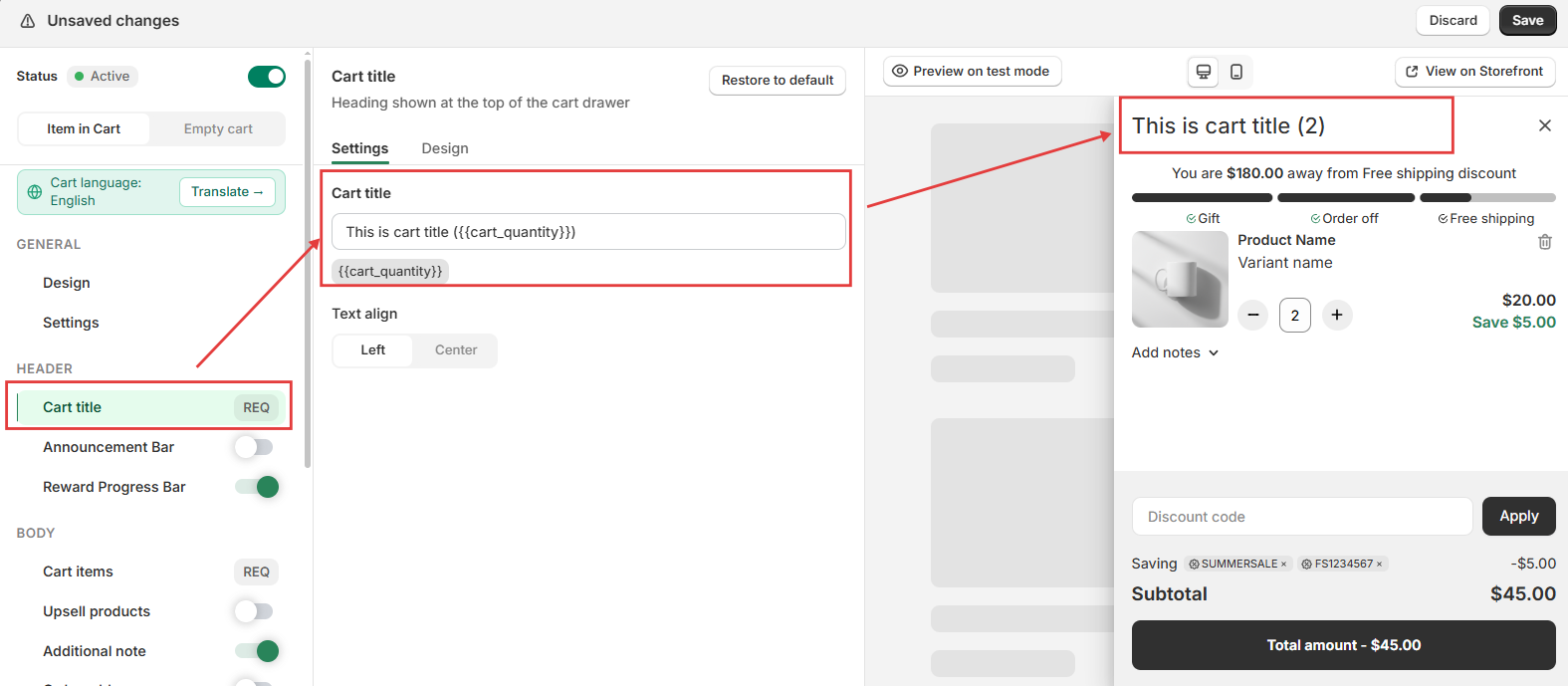
Examples:
- Your Cart
- Shopping Cart
- Review Your Order
- Checkout Summary
Display the Number of Cart Items
Snap Cart Drawer supports dynamic variables that automatically update based on the customer's cart.
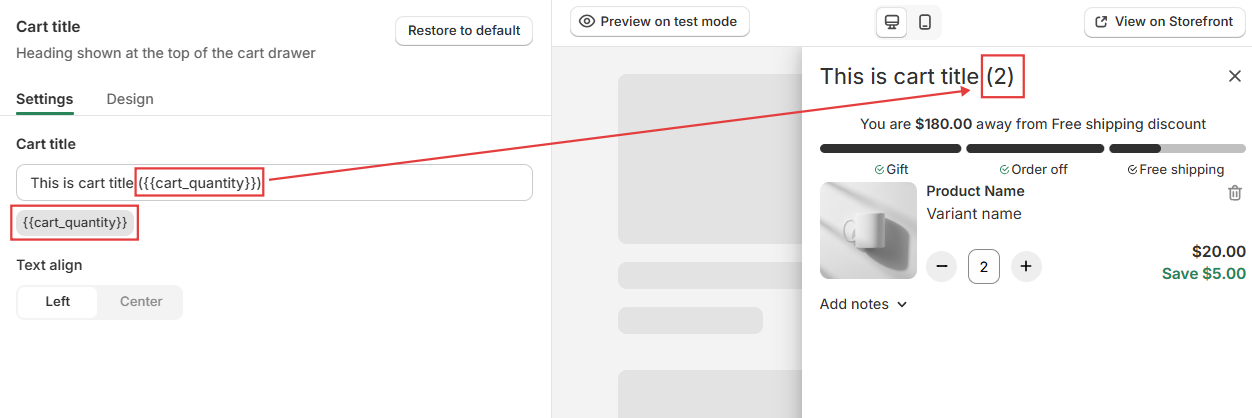
The following variable is currently supported:
| Variable | Description |
|---|---|
{{cart_quantity}} |
Displays the total number of items currently in the customer's cart. |
Example
Your Cart ({{cart_quantity}})
If a customer has two items in their cart, the displayed title will become:
Your Cart (2)
Using dynamic variables allows customers to quickly identify how many items they have added without needing to review the entire cart.
Text Alignment
Choose how the cart title is aligned within the cart drawer.
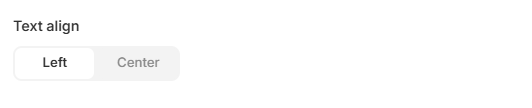
Available options include:
- Left alignment.
- Center alignment.
Selecting the appropriate alignment can help maintain consistency with your store's overall cart design.
Customize the Appearance
Navigate to the Design tab to customize the appearance of the Cart Title.
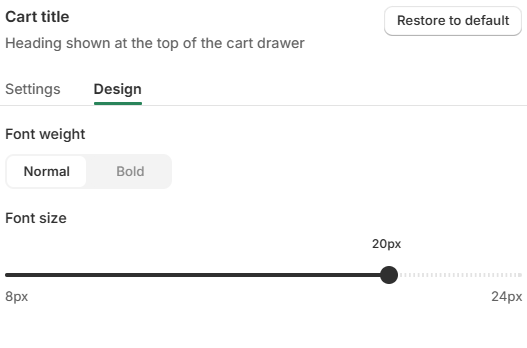
You can customize:
- Font weight.
- Normal
- Bold
- Font size (8 px – 24 px).
These settings allow you to better match the cart title with your store's branding and improve readability across different devices.
Tip: Larger font sizes and bold text are recommended when using shorter titles to improve visibility within the cart drawer.
Customer Experience
The Cart Title is one of the first elements customers see when opening the cart drawer.
Displaying a clear title together with the number of cart items can help customers quickly understand their cart status before proceeding to checkout.
Example
Your Cart (2)
The number displayed will automatically update whenever customers add or remove products from their cart.
Help & Support
Have questions or running into issues? Reach out to us at [email protected] or via the live chat in the app — we're happy to help!