
Customization for Goal Order's Reward progress bar
The Reward Progress Bar in Goal Order campaign is a great way to motivate customers by showing how close they are to reaching exclusive offers like discounts, free shipping, or free gifts. Here's how you can customize it to match your brand and messaging.
How to set up the Reward progress bar?
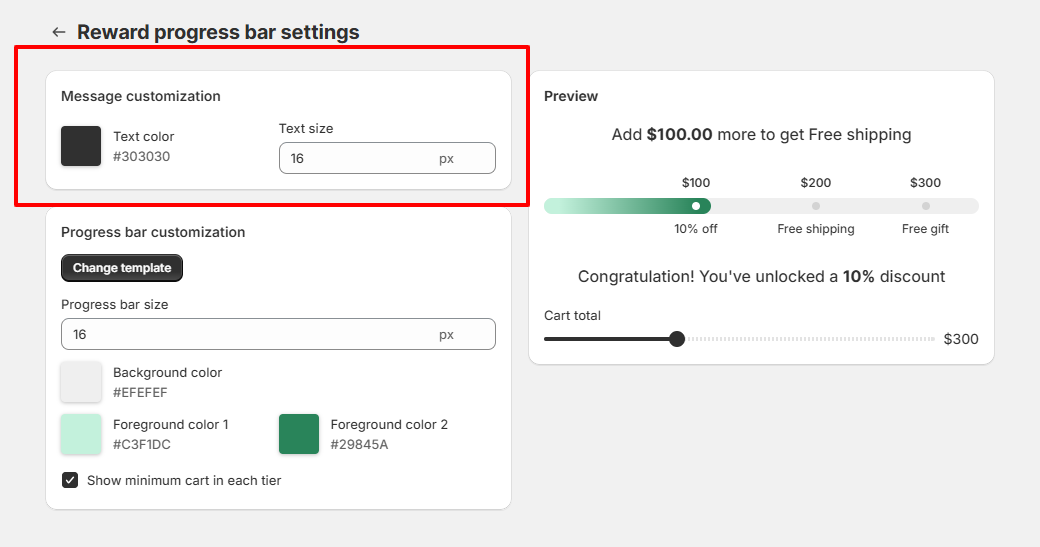
Step 1: Message Customization
- Text color: Choose the color of the message text
- Text size: Set the font size for the progress bar messages.
Step 2: Progress Bar Customization
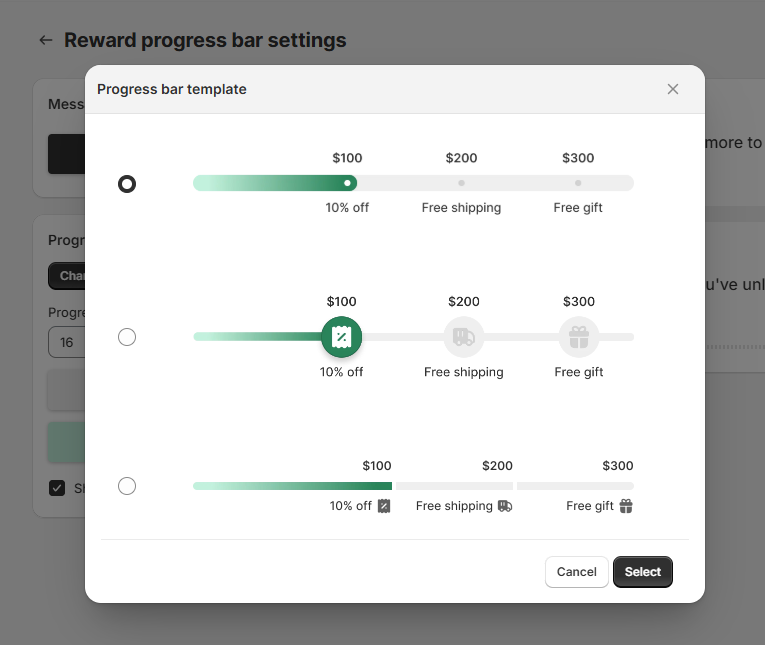
- Click Change template to choose progress bar template.
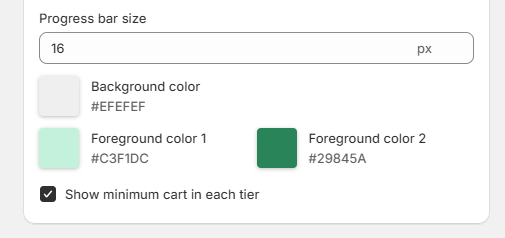
- Set up progress bar size and colour.
- Show minimum cart in each tier: When enabled, this will show the cart value required to unlock each reward tier right above the progress bar.
Need More Help?
If you encounter any issues or have questions, feel free to reach out to our support team via [email protected] or via our live chat - we're happy to help!